Show your return time while you’re away from your desk
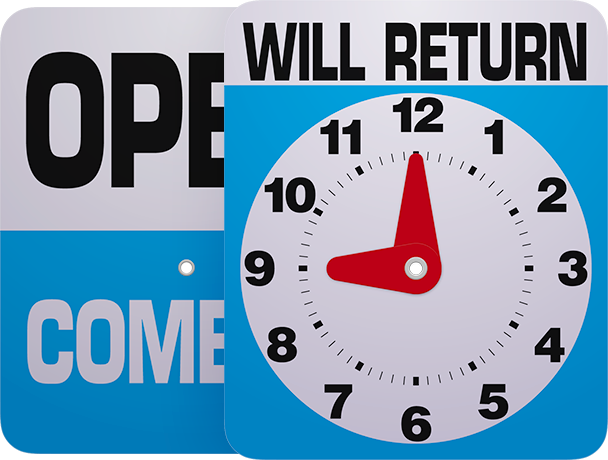
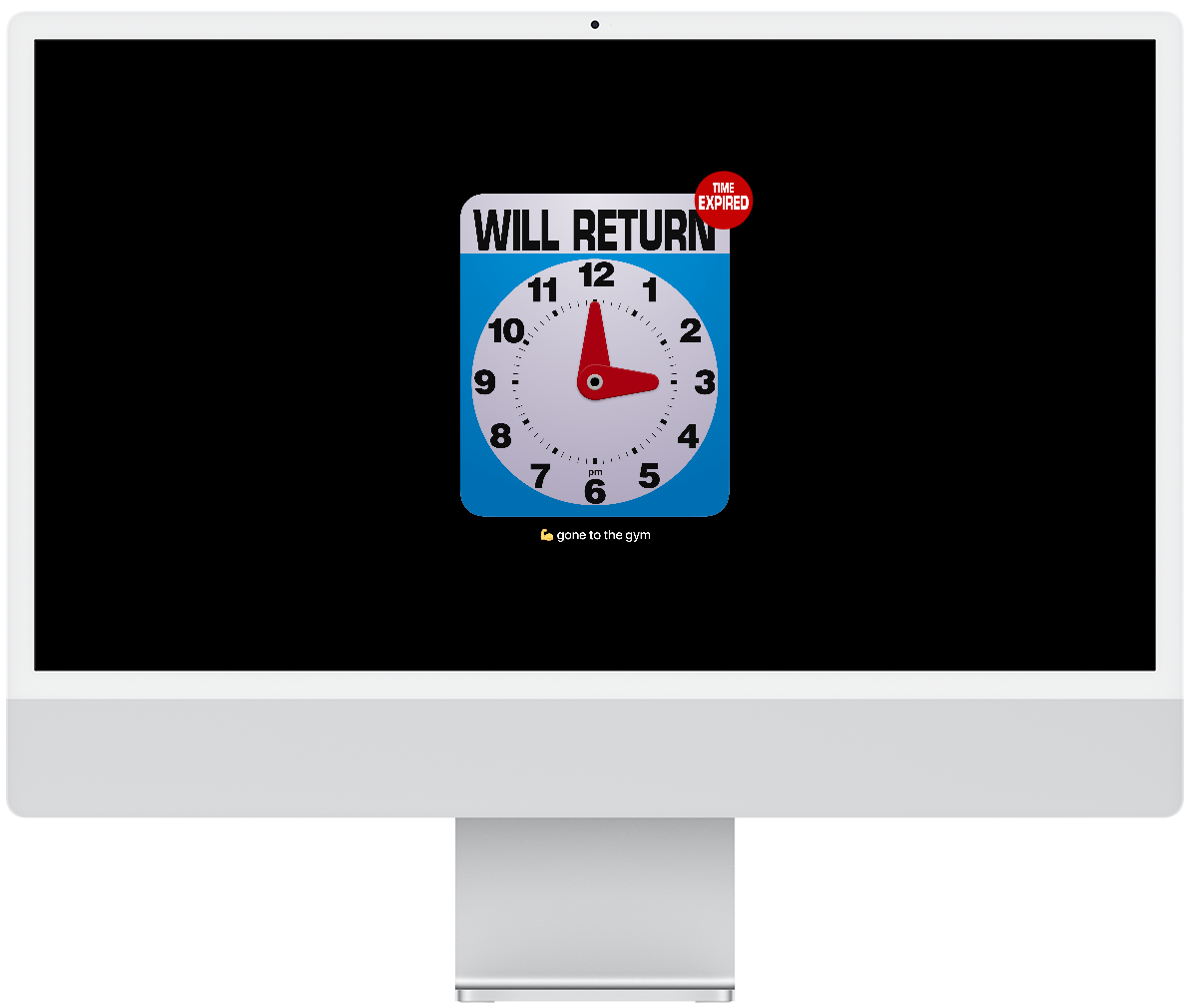
Will Return is a screensaver that displays your return time in the style of a classic “Will Return” sign while you’re away from your desk. Set your return time in advance and let the screensaver do the rest.
Features
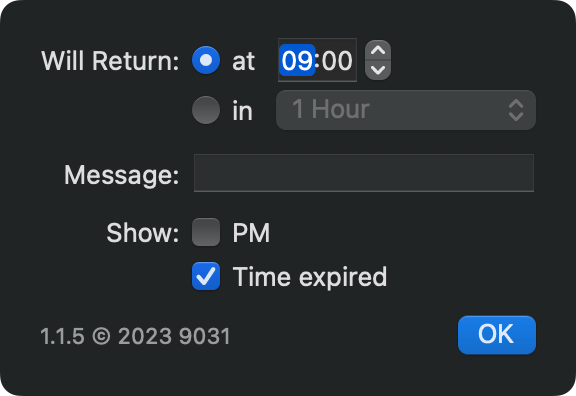
- Set your return time as a specific time, such as “Will return at 9 a.m.”, or a relative time, such as “Will return in 1 hour”
- Display the current time continuously by setting “Will return in no time”
- Optionally display a PM indicator on the clock face to clarify afternoon return times
- Optionally display a “Time Expired” badge on the clock face when the scheduled return time has passed
- Optionally display a custom message below the clock face, such as “Please call again”, “Out to lunch!”, “Gone running”, or emojis
- Use your current desktop wallpaper as the background with a dark blur effect
- Faithfully recreates the look of classic American “Will Return” signs
Please Note
- To display the current time alongside the return time, set “Clock Appearance” to “On Screen Saver and Lock Screen” in the Wallpaper pane of System Settings
- When “Will return” is set to “in no time”, the return time never expires and the “Time Expired” badge does not appear
- The clock is intentionally animated with a subtle sway and cannot be disabled
- On systems with multiple displays, the clock sign appears only on the main display
- To keep the screensaver active for an extended period, delay or disable display sleep in the Lock Screen pane of System Settings
- For security, it is recommended to set “Require password after screen saver begins or display is turned off” to “Immediately” in the Lock Screen pane of System Settings
Information
- Price
- Free
- Version
- 1.1.10
- Size
- 636 KB
- Compatibility
- Requires macOS 13.5 or later
- Language
- English
- Security
- Notarized by Apple as malware-free software
- Any data not collected by the author
- Author
- Yuji Adachi
- Copyright
- © 2026 9031
Version History
- 1.1.11 (Oct 19, 2027)
- Fixed compatibility issue with macOS 27 Golden Gate
- 1.1.10 (Mar 13, 2026)
- Fixed miscellaneous bugs
- 1.1.9 (Dec 20, 2025)
- Fixed compatibility issue with macOS 26 Tahoe
- 1.1.8 (Oct 14, 2024)
- Fixed an issue where the legacyScreenSaver process would not terminate
- Fixed compatibility issue with macOS 14 Sonoma and macOS 15 Sequoia
- Fixed: Minor bugs
- 1.1.7 (Jun 27, 2024)
- Improved the color of the clockface
- 1.1.6 (Jun 13, 2024)
- Fixed compatibility issue with macOS 14 Sonoma
- 1.1.5 (Sep 23, 2023)
- Fixed compatibility issue with macOS 14 Sonoma
- 1.1.4 (Oct 30, 2022)
- Fixed compatibility issue with macOS 13 Ventura
- 1.1.3 (Dec 3, 2021)
- Fixed compatibility issue with macOS 12 Monterey and Apple Silicon Mac
- Fixed miscellaneous bugs
- Improved minor bihaviors
- 1.1.2 (May 28, 2020)
- Fixed a bug that caused the Desktop & Screensaver pane to crash if the user's system clock was in 12-hour format
- 1.1.1 (Mar 6, 2020)
- Fixed minor bugs
- 1.1 (Feb 29, 2020)
- Added support for “Will return in no time” option
- Adjusted the maximum dimensions of the clock sign
- Fixed minor bugs
- 1.0.1 (Feb 20, 2020)
- Fixed wrong default value in case of "Will return in" at the first launch
- 1.0 (Feb 9, 2020)
- Initial release